

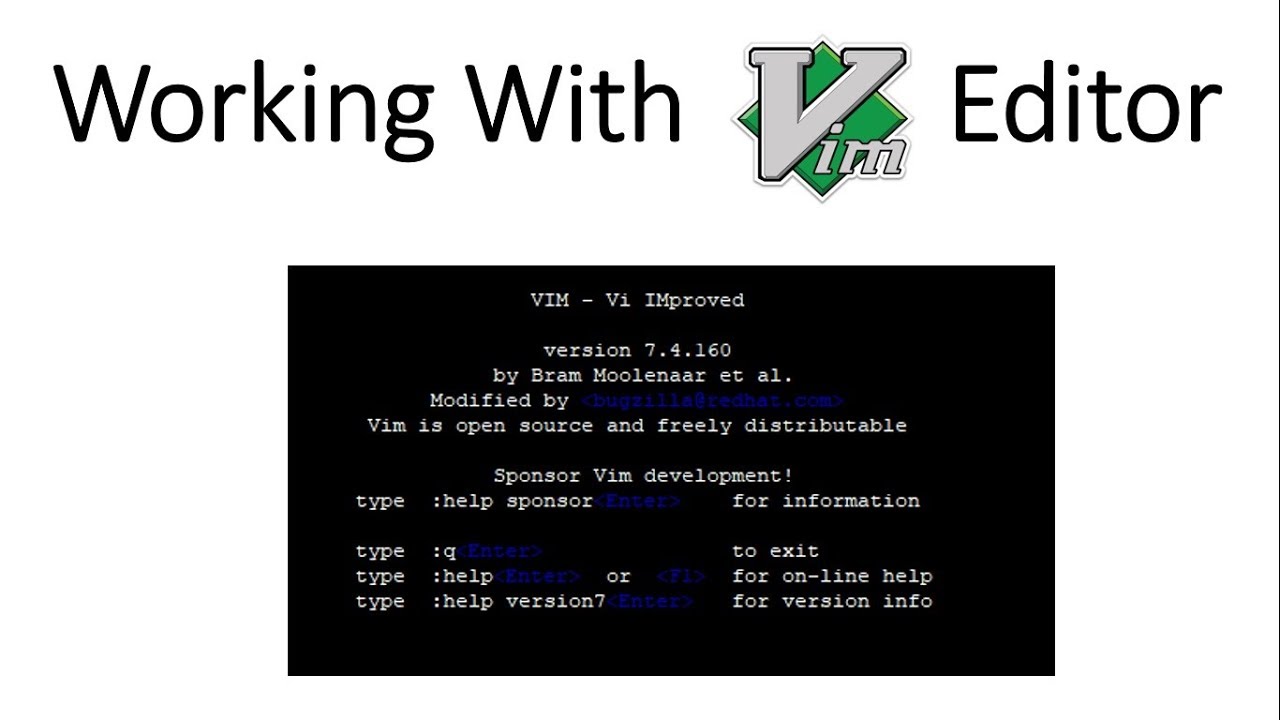
# vim cheat sheet
A highly opinionated vim cheat sheet.
# Copy / Cut / Paste (normal mode)
- selecting:
v: start selecting charactersV: selects the whole line
- action:
d: to cuty: to copyp: to paste after the cursorgp: to paste after the cursor and then move the cursor at the end of the pasted textP: to paste before the cursorgP: to paste before the cursor and then move the cursor at the end of the pasted text
title: Vim cheatsheet date: 2011-12-2 lang: en tags:
- Linux
- Cheat author: Sal featuredimg: '/assets/posts/vim.jpeg' summary: A very usefull Vim cheatsheet.
# History
u: undo last changeCtrl-R: redo last undone change
# Motions
# word / WORD
w: move to the start of the next worde: move to the end of the current or next wordb: move to the start of the current or previous word
Note: upper case next word motions (e.g.
W) will consider"word"as being 1 WORD, instead of 3 words.
# Inline occurence
f: move to the next character occurence in the current linet: move one character before the next character occurence in the current line;: repeats the previous inline motion
Note: upper case inline motions (e.g.
F) will move to previous occurence.
# Splits
Ctrl-W v: creates a new vertical splitCtrl-W s: creates a new horizontal splitCtrl-W q: closes the current splitCtrl-W h: switches the right splitCtrl-W l: switches the left split
# Misc
Ctrl-N: autocomplete word